

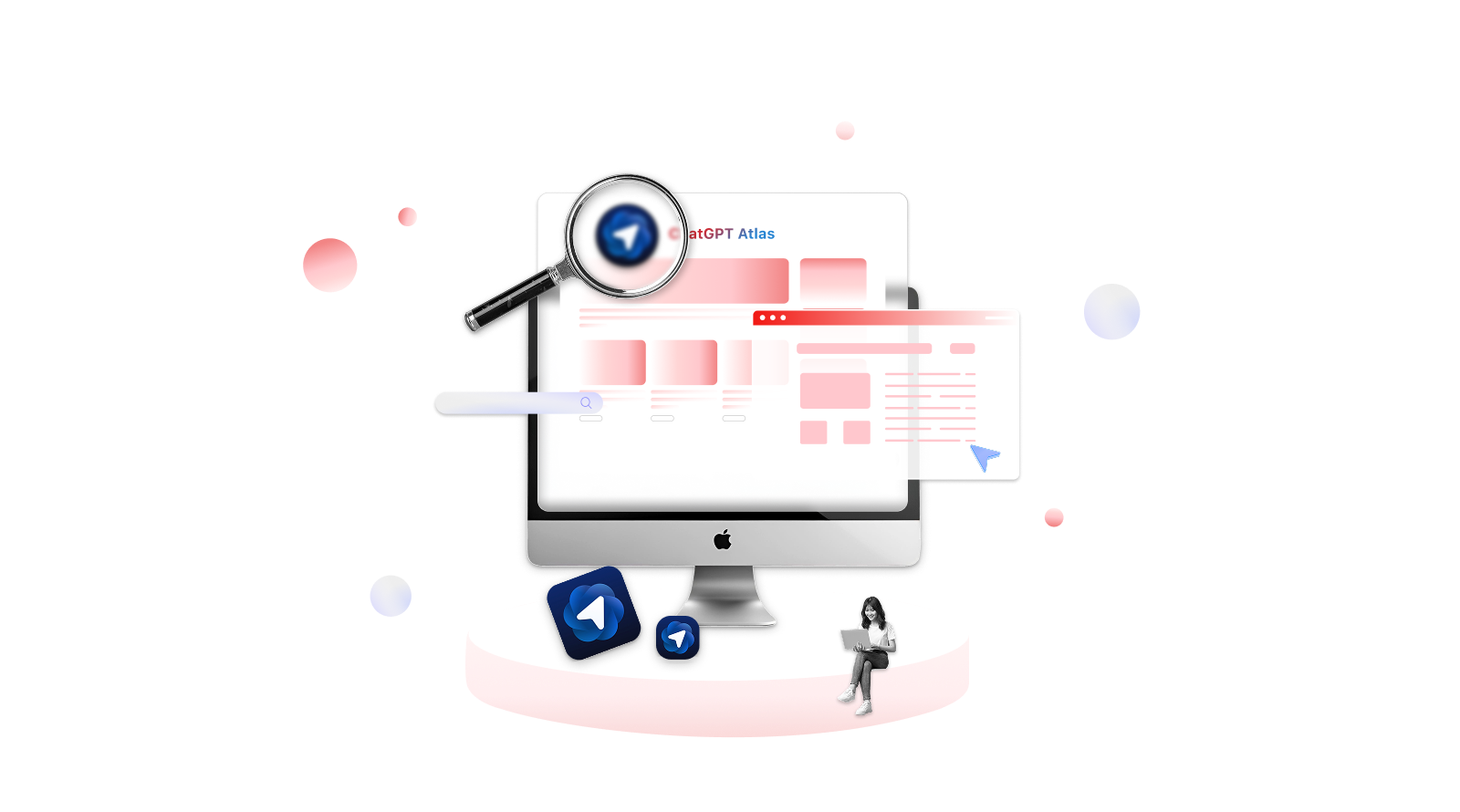
As most people now turn to Artificial Intelligence for quick answers and research, the limitations of current AI tools have become apparent. Many AI assistants lack full features or work poorly with certain browsers, forcing users to constantly switch between tabs and disrupting their workflow.
Recognizing these challenges, AI developers are now building browsers with integrated AI capabilities to enhance user experience. On October 21, 2025, OpenAI, the developer of ChatGPT, officially launched ‘Atlas’—a new AI-powered browser positioned as cutting-edge technology designed to understand users’ needs.
This guide explores Atlas’s standout features, how it stacks up against competing AI browsers, and the key limitations you should consider before making the switch.
What is ChatGPT Atlas?
ChatGPT Atlas is a web browser from OpenAI that integrates ChatGPT directly into your browsing experience. It acts as an AI assistant that remembers your browsing context, helps with research, and answers questions—all without requiring you to switch tabs or interrupt your workflow.
The Features of OpenAI Atlas
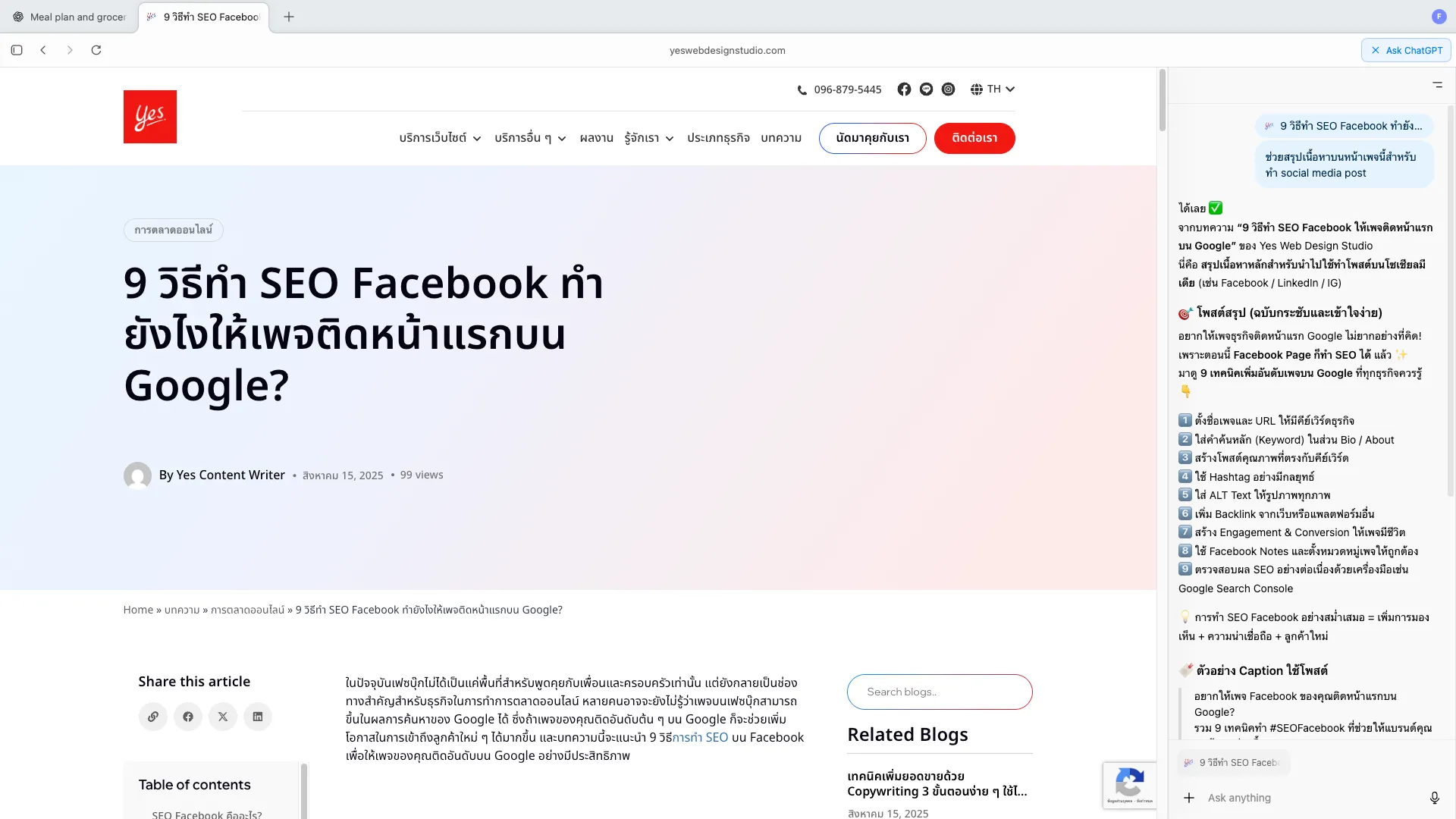
Atlas browser integrates ChatGPT directly into your web experience — helping you research, write, and complete complex everyday tasks more smoothly. Here are the features exclusive to this OpenAI-built browser.
The “Ask ChatGPT” Sidebar
No need to copy-and-paste or switch tabs! Just click the sidebar or the ‘Ask ChatGPT’ button to ask anything — or let ChatGPT summarise the current page to help you work faster. You can even use it to rewrite an email, essay, or social media caption directly in any text field.
Browser Memories
This OpenAI browser also offers a feature to memorize your browsing history, helping to deliver answers that better match your needs. For privacy-conscious users, this feature is not turned on by default — you can enable or manage it at any time in the settings.
Agent Mode
ChatGPT has recently released the automated agent that is designed for helping finishing the tasks. This feature enables you to order AI to summarize the documents, or automatically finish your daily life routine. This feature is currently available only in Plus, Pro, and Business users, and might make mistakes on complicated workflows.
ChatGPT Atlas vs. The Competitors
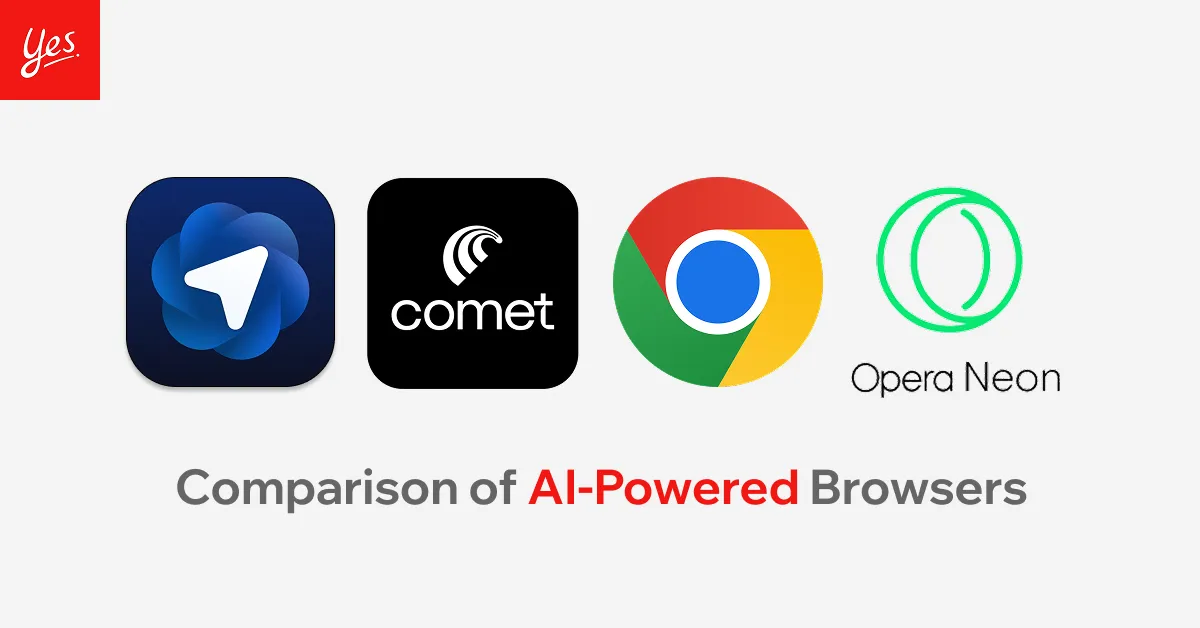
As mentioned before, several AI-powered browsers have already been launched with features designed to enhance user experience. But is the ChatGPT browser actually good? Here’s how it compares to other recently launched browsers.
Comet AI
Comet AI, made by Perplexity, is designed for smarter research. It gives clear, cited answers and combines information from different sources. While OpenAI’s ChatGPT browser works more like a productivity helper — it can automate tasks with Agent Mode, remember what you’ve done with Browser Memories, and help you take action. Simply put, Comet is your AI researcher, while Atlas is your AI assistant.
Opera Neon
Neon is built for power users who want the browser to act, while Atlas is aimed at everyday users wanting a smart assistant that helps and remembers. As Opera Neon offers “agentic” browsing where the browser itself can run tasks, fill out forms, book trips, and handle workflows inside special “Task” windows with reusable “Cards.”
On the other hand, ChatGPT Atlas by OpenAI embeds the AI assistant deep in your browser—letting you chat with the page, have the system remember what you did with “Browser Memories”, and enable an “Agent Mode” to automate things across sites.
Google Chrome
Google Chrome is the most used browser that offers tools like built-in translation, voice search, tab grouping, and tight integration with Google services. However, this browser is still limited in automating tasks or summarizing the content you view. In contrast, ChatGPT Atlas focuses on AI assistance — it can understand page context, summarize information, remember what you’ve done, and even perform tasks through its Agent Mode.
Pros & Cons of ChatGPT Atlas
Even though the ChatGPT browser is a very useful tool for users seeking the convenience of internet use, it also has limitations. Here are pros and cons of this OpenAI Browser you need to consider.
Pros
-
-
- Built-in AI assistant (ChatGPT) directly in the browser sidebar, making tasks like summarizing, comparing tabs, or asking natural language questions easier.
- “Browser Memories” feature remembers your past browsing context (if you allow it), so the browser can give suggestions based on what you did earlier.
- “Agent Mode” can automate multi-step tasks for you (e.g., filling out forms, shopping, research) under supervision, saving time on repeating tasks.
- Based on Chromium, so many websites and Chrome-extensions are supported, and switching from other browsers is smoother.
- Strong privacy controls: you can turn off memory, opt-out of model training, delete browsing data; gives you more control over how data is used.
-
Cons
-
- Currently only available on macOS (at launch) — Windows and mobile platforms (iOS, Android) still pending, so many users can’t use it yet.
- Uses more computer resources (RAM/CPU) when AI features are active, which may slow down older machines or laptops.
- Automation via Agent Mode is still experimental: it can make mistakes, behave unpredictably, or be less reliable than doing things manually.
- Because the browser can remember and act on your behalf, it opens up new vulnerabilities (e.g., “prompt injection” attacks) that standard browsers aren’t as exposed to.
- Smaller ecosystem of extensions/features and less stability compared to mature browsers (like Google Chrome) — you may find missing tools or still-unfixed bugs.
Conclusion
To conclude, ChatGPT Atlas is more than just another browser — it’s an AI-powered assistant built into your daily workflow. With features like the “Ask ChatGPT” sidebar, Browser Memories, and Agent Mode, Atlas turns your web browsing into a smarter and more personalized experience. Even though it’s still new and only on macOS for now, Atlas shows strong potential to change how people use the web. It’s a great choice for anyone who wants a faster, smarter, and more helpful browsing experience.
ChatGPT Atlas in 2026: What Has Changed Since Launch?
Since its macOS-only debut in October 2025, ChatGPT Atlas has evolved considerably. By early 2026, OpenAI rolled out Atlas for Windows and iOS, significantly expanding its user base. The Android version is expected to follow in mid-2026, making the AI browser accessible across all major platforms.
Several key updates have improved the browser’s overall usability and appeal:
- Improved Agent Mode reliability: OpenAI has refined Agent Mode to handle more complex multi-step tasks with fewer errors. Users report significantly better performance for tasks like filling out forms, booking appointments, and managing repetitive workflows compared to the initial release.
- Extension support expansion: Atlas now supports a growing library of Chrome-compatible extensions, addressing one of its biggest early criticisms. While the ecosystem is still smaller than Chrome’s, popular productivity and security extensions are now available.
- Enhanced privacy controls: Following user feedback and regulatory pressure in the EU and Asia, OpenAI introduced granular privacy settings including per-site memory controls, automatic data expiration, and a full “incognito AI” mode where no browsing context is retained.
- Performance optimization: RAM and CPU usage have been reduced by approximately 30% through better resource management, making Atlas more viable on mid-range laptops and older machines.
How Atlas Impacts Web Design and Digital Marketing
For web design professionals and digital marketers, AI-powered browsers like Atlas are reshaping how users interact with websites. When Agent Mode can autonomously navigate sites, fill forms, and extract information, it becomes even more important that websites are well-structured, accessible, and semantically coded. Websites with clear heading hierarchies, proper form labels, and structured data are easier for AI agents to parse and interact with — giving those sites a competitive advantage.
Looking for a professional web design agency in Bangkok? Yes Web Design Studio delivers custom websites, SEO, and digital marketing for brands across Thailand. Get a free consultation today.